Microsoft Office Activation
Office setup and activation for Windows and Mac.
View Packages for Microsoft Office Activation
Your all-in-one tech solution
Software activations, device support, accessories, designs and more — fast, reliable and affordable.
Fast ServiceQuick and efficient support
You're in ControlYour privacy matters
Affordable OptionsA quote before we start
Our services
From software activations to device support and custom designs, Limitless Technology has you covered. Explore all services
Office setup and activation for Windows and Mac.
View Packages for Microsoft Office ActivationWindows, Mac and everyday device support.
Laptops, accessories and everyday essentials.
Logos, posters, cards and custom designs.
Responsive websites for businesses and personal brands.
Device transfers, setup and more.
Product categories
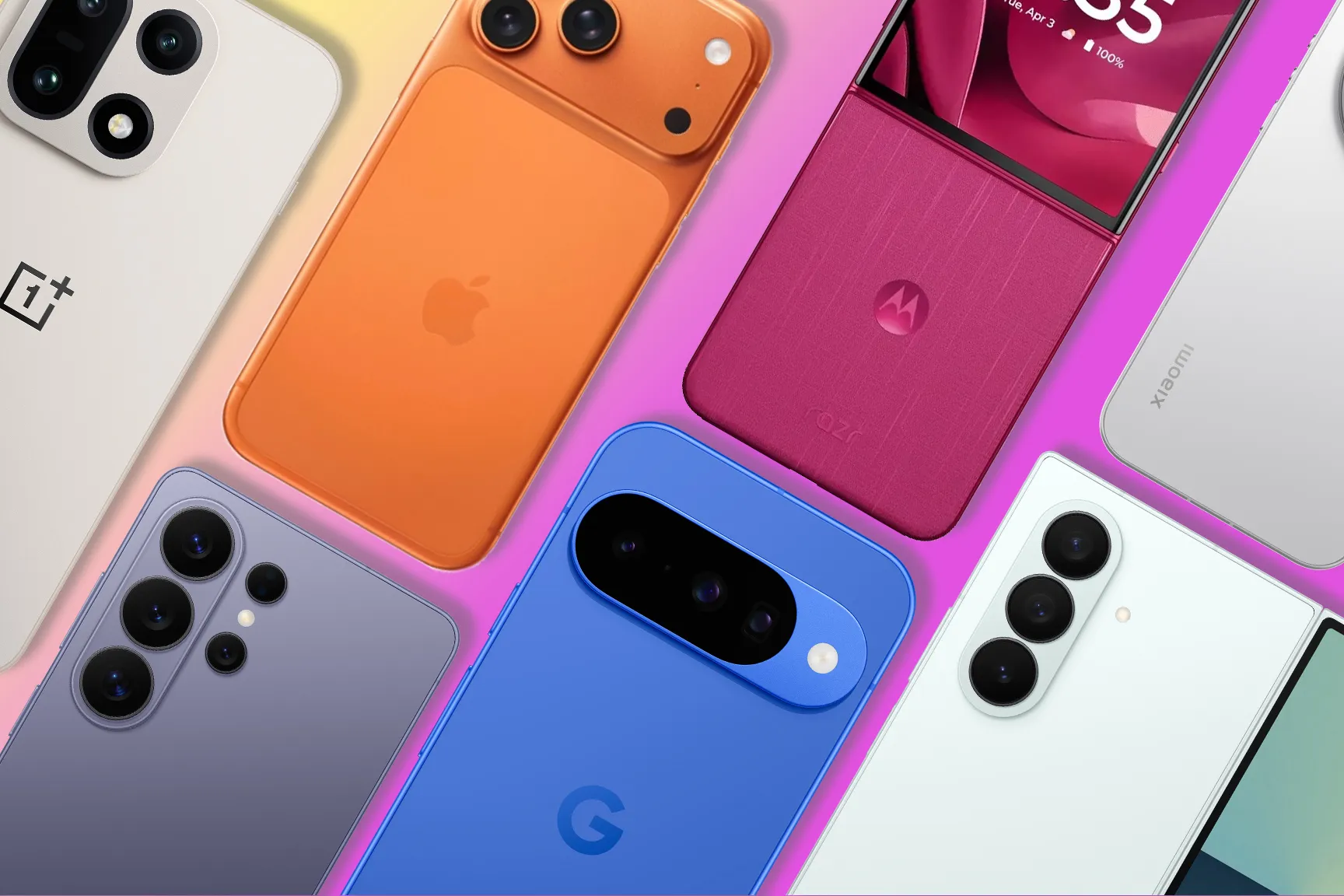 Smartphones & Mobile PhonesBrowse available smartphones from popular brands.Explore Category
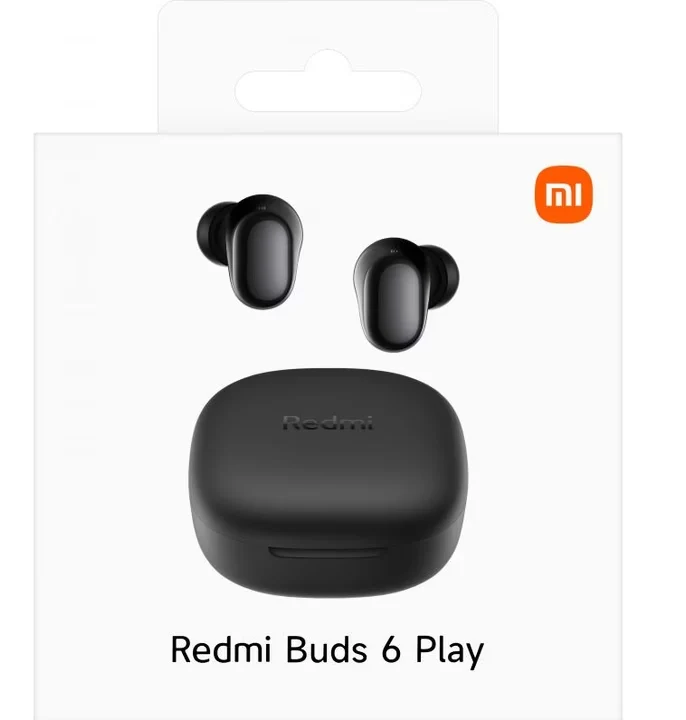 Earbuds & AudioExplore wireless audio for work and everyday listening.Explore Category
 SmartwatchesExplore connected watches and everyday styles.Explore Category
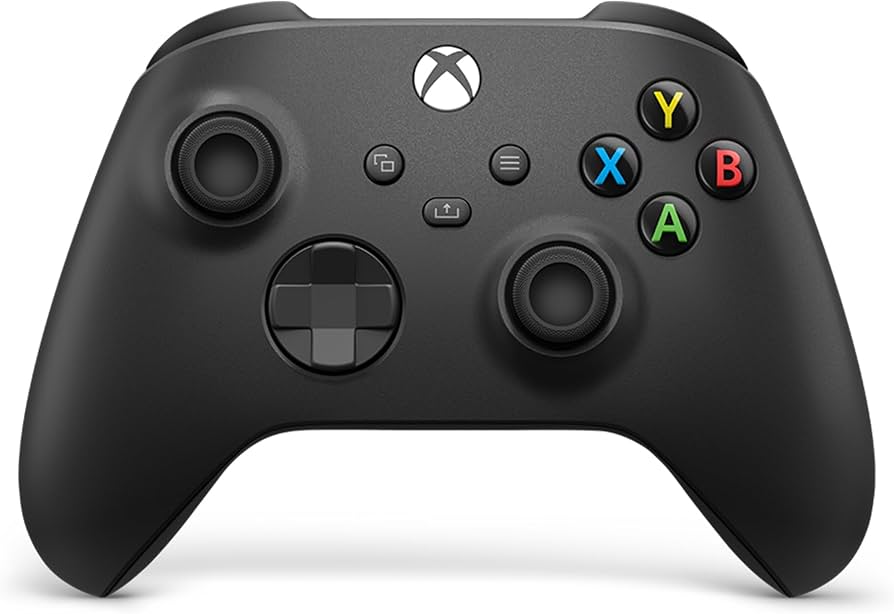
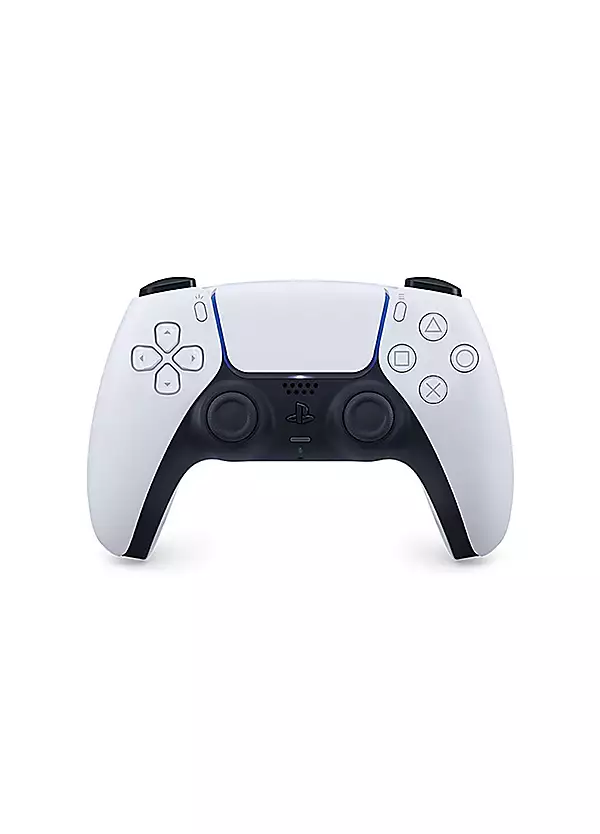 GamingExplore gaming controllers, accessories and essentials for your favourite consoles.Explore Gaming
 Fashion WatchesDiscover classic and fashion watch styles.Explore Category
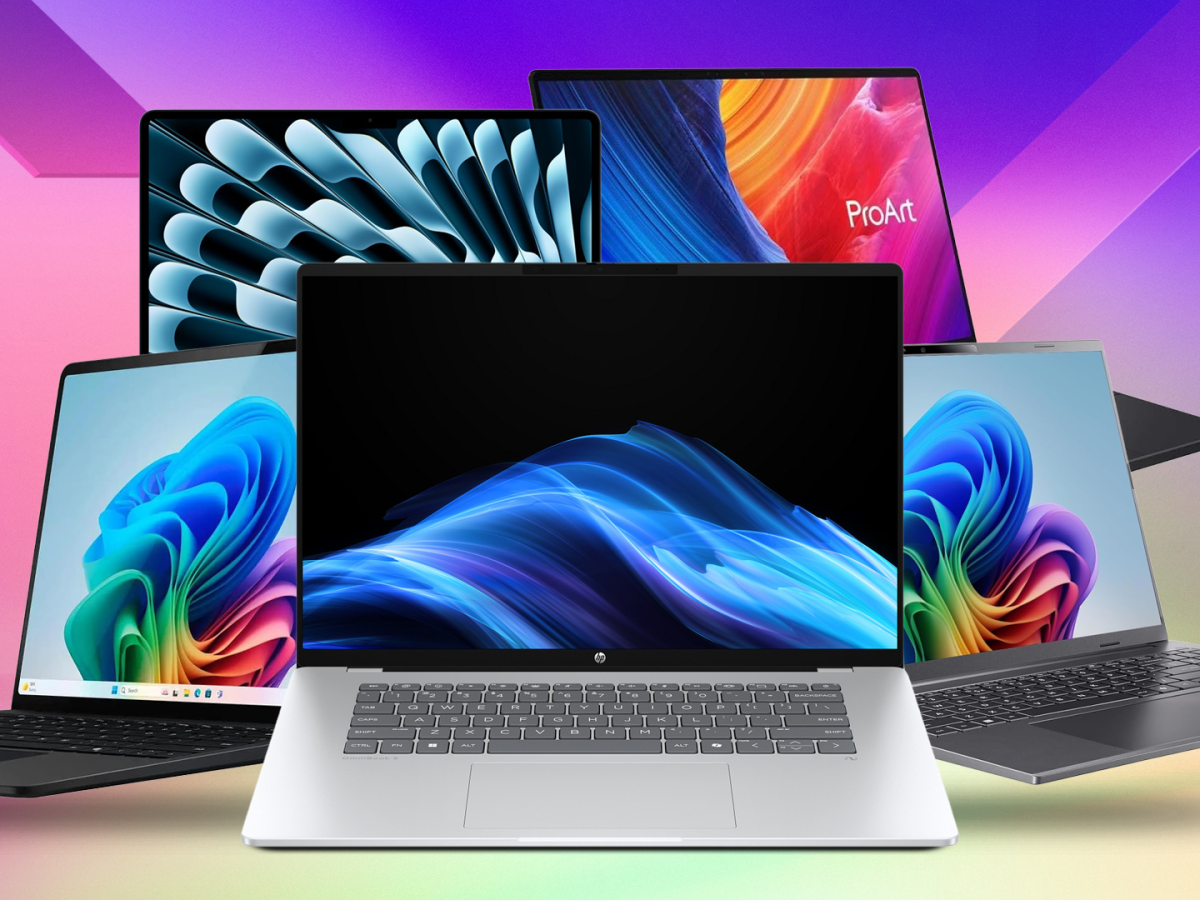 Laptops & ComputersExplore computers suited to work, study and daily use.Explore Category
Category images supplied by Limitless Technology. Models, prices and stock will be confirmed before ordering.
Remote support
Get help wherever you are with RustDesk. You approve the connection and can end the session at any time.
Your privacy mattersClose private files before connecting.
You approve the sessionOnly accept a technician you trust.
Stay in controlDisconnect when the work is complete.
Windows & Mac supportSimple, guided setup.
The official RustDesk client.
Choose the Windows installer for your computer.
Official RustDesk 1.5.0 installer.
The official RustDesk client.
This direct download is for Intel Macs.
Official RustDesk 1.5.0 installer.
Open the Apple menu and choose About This Mac. This button is for Intel processors. If your Mac shows an Apple M-series chip, download the official Apple Silicon DMG directly.
If keyboard or mouse control does not work, RustDesk may also need Input Monitoring permission.
Official Mac setup guideHow it works
Select Office activation or another service.
Choose the option that suits your needs.
Share contact details and a preferred time.
Set up RustDesk before payment if you prefer.
Finalize availability and MMG details on WhatsApp.
Approve the connection and receive help remotely.
About Limitless
Based in Georgetown, Guyana, Limitless Technology brings practical tech support, devices and creative services together in one place.
Whether you need help with your computer, your next accessory or a design for your business, start with a conversation. We’ll help you work out the next step.
Georgetown, GuyanaA little more clarity
A Windows PC or Mac, a stable internet connection and RustDesk. Keep your device connected to power, close private documents and agree on an appointment before connecting.
We provide Windows and Mac support. Our Office installation and activation service is not available for Chromebooks. Message us to confirm compatibility before paying.
We confirm your service or product, availability, price and payment details by chat. MMG is accepted. Payment is arranged directly; this website does not collect payment information.
Customer experiences
Real experiences from customers who have trusted Limitless Technology.
Loading customer reviews…
Let's talk tech
Send us your question and we’ll take it from there.